Add Friends
There are several ways to add new friends in SplitHappens. For privacy reasons, there is no user search or contact sync — you connect via QR code, invitation link, or through shared bills and events.
Scan QR Code
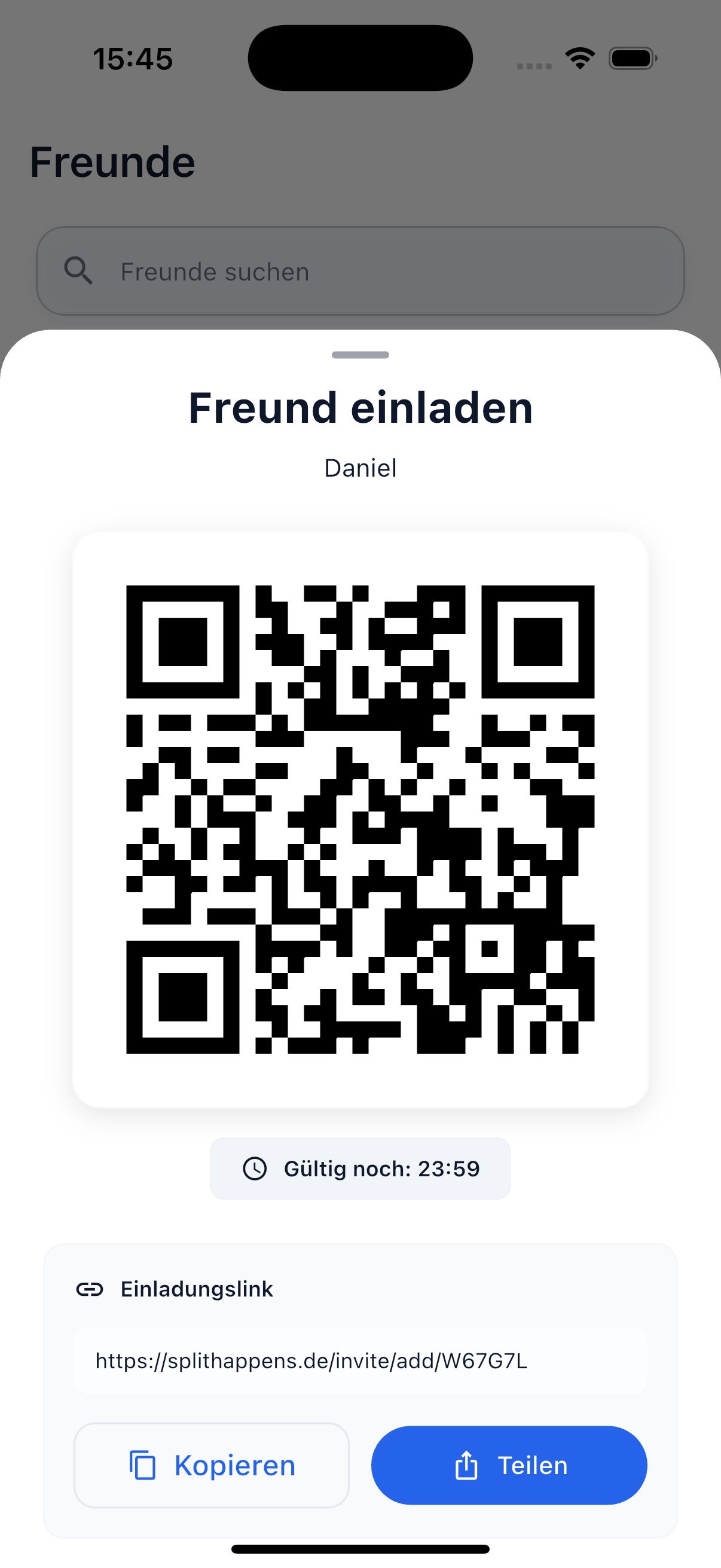
The quickest way when you're face to face.
- Open the Friends tab in the app
- Tap the Add Friend button at the bottom right
- Your personal QR code is displayed — your friend scans it with their camera
- Alternatively: Tap Scan and point the camera at your friend's QR code
- The friend request is sent immediately
Validity
Each QR code is valid for 15 minutes and is automatically renewed after that. This ensures no one can misuse an old code.
Share Invitation Link
Perfect when you're not in the same location or your friend hasn't installed the app yet.
- Tap the Add Friend button in the Friends tab
- Select Share Link
- A personal invitation link is created
- Share the link via WhatsApp, Signal, email, or any other messenger
- Your friend installs the app and is automatically connected with you
Tip
The invitation link also works if your friend already has the app installed — they'll be taken directly to the friend request.
Via Shared Bills or Events
If you're in a shared bill or an event with someone without being friends, you can send a friend request directly from there. This lets you easily connect with people you're already splitting expenses with.
What Happens After the Request?
After sending a friend request:
- Your friend receives a push notification (if enabled)
- The request appears in their friends list
- Once they accept, you're connected and can split bills
- You'll see each other in the friends list with the current balance
Why No User Search?
SplitHappens deliberately forgoes user search and contact sync. Your profile is not discoverable by other users — you decide who you connect with by actively sharing a QR code or link.
Related Topics
- Friends Overview — Manage your friends list
- Settlement — Settle debts with friends