Multi-Currency
SplitHappens supports over 150 currencies worldwide — ideal for international trips, mixed friend groups, or vacations abroad.
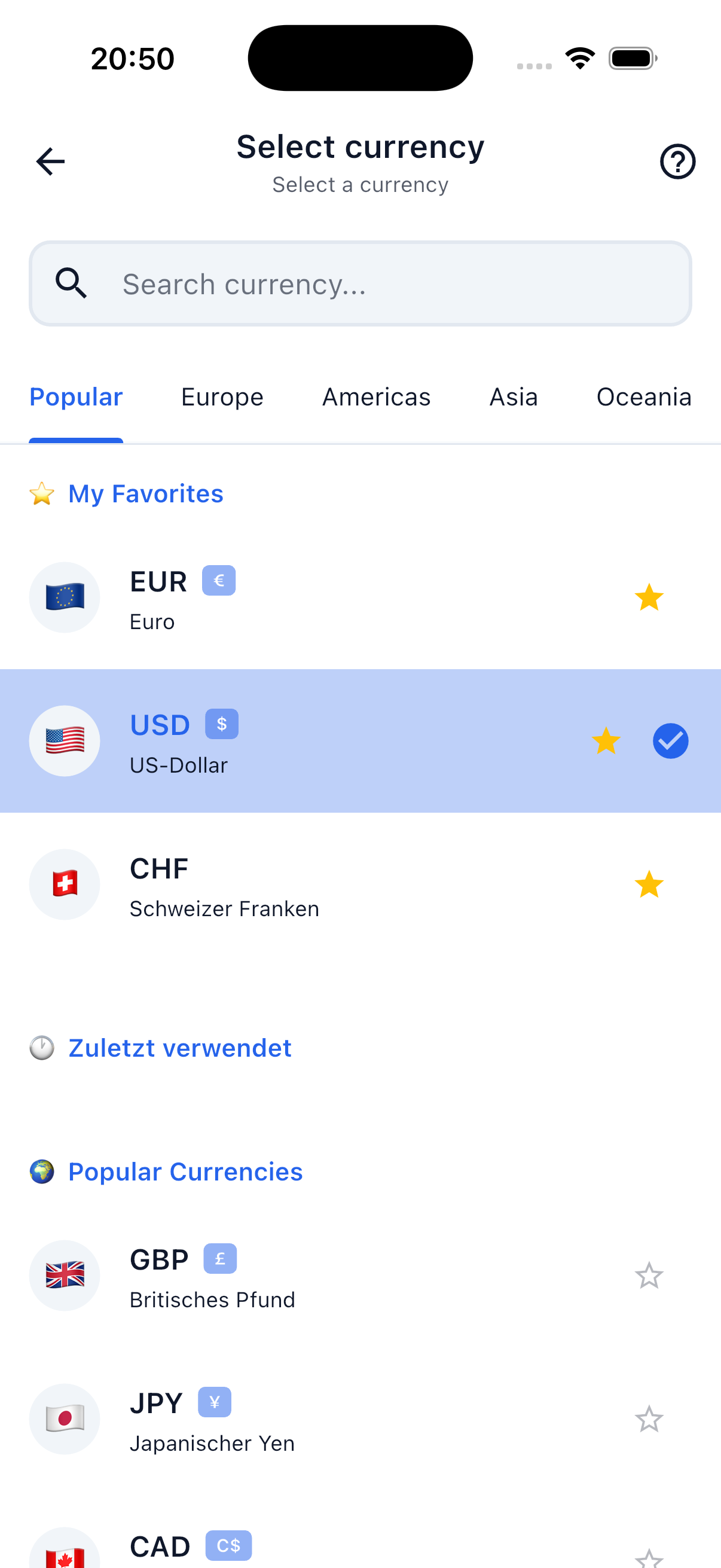
Default Currency
Your default currency determines which currency new bills are created in and how amounts are displayed in the settlement.
- Configurable under Profile → Settings → Default Currency.
- New bills automatically use your default currency.
- Changeable per bill: When creating a bill you can individually adjust the currency.
Automatic Conversion
When a bill is created in a different currency than your default, SplitHappens automatically converts:
- In the settlement you see the amount in your default currency.
- The original amount in the bill's currency remains visible at all times.
- Conversion is based on current exchange rates.
Exchange Rates
- Rates come from the Fawazahmed Currency API — a reliable, free data source.
- Rates are updated daily.
- Once fetched, rates are cached for 24 hours so amounts remain consistent within a day.
Example
You have EUR set as your default currency. Your friend creates a bill for 50 USD for a shared dinner on vacation.
What you see:
- In the bill: 50.00 USD (original amount).
- In the settlement: approx. 46.20 EUR (converted at the current daily rate).
This way you always know exactly how much you owe in your familiar currency.
Currencies in Events
Events don't have their own currency. Every bill and every payment carries its own currency — SplitHappens automatically converts the balance into the viewer's profile currency. Participants with different profile currencies all see the same situation in the currency that works for them.
The exchange rate is locked in
To make sure your event balance doesn't shift retroactively because of rate fluctuations, SplitHappens locks in the exchange rate when you save each bill or payment. From that moment on, that exact rate applies to this specific bill — even if you settle the event months later. Every bill and every payment gets its own locked-in rate, independently.
For bills outside of events (friend bills), the current daily exchange rate at the time of settlement still applies.
Supported Currencies
Here's a selection of the most common currencies:
| Currency | Code |
|---|---|
| Euro | EUR |
| US Dollar | USD |
| British Pound | GBP |
| Swiss Franc | CHF |
| Japanese Yen | JPY |
| Canadian Dollar | CAD |
| Australian Dollar | AUD |
| Swedish Krona | SEK |
| Norwegian Krone | NOK |
| Polish Zloty | PLN |
| Czech Koruna | CZK |
| Turkish Lira | TRY |
| Thai Baht | THB |
And over 140 more currencies.
Frequently Asked Questions
What happens if no exchange rate is available?
SplitHappens tries to fetch the rate directly from the API. If that also fails, the last known rate is used.
Can I set the exchange rate manually?
Currently rates are automatically fetched from the API. Manual entry is not yet possible.
When is the rate applied?
It depends on the context:
- Friend bills: The exchange rate is applied at the time of settlement calculation — when you settle, not when the bill is created.
- Event bills: The rate is locked in when you save the bill (or payment). That way the event balance stays stable, even if days or weeks pass between creating and settling.