Configure Notifications
Stay informed about what's happening in your bills and events — or selectively disable notifications that don't interest you.
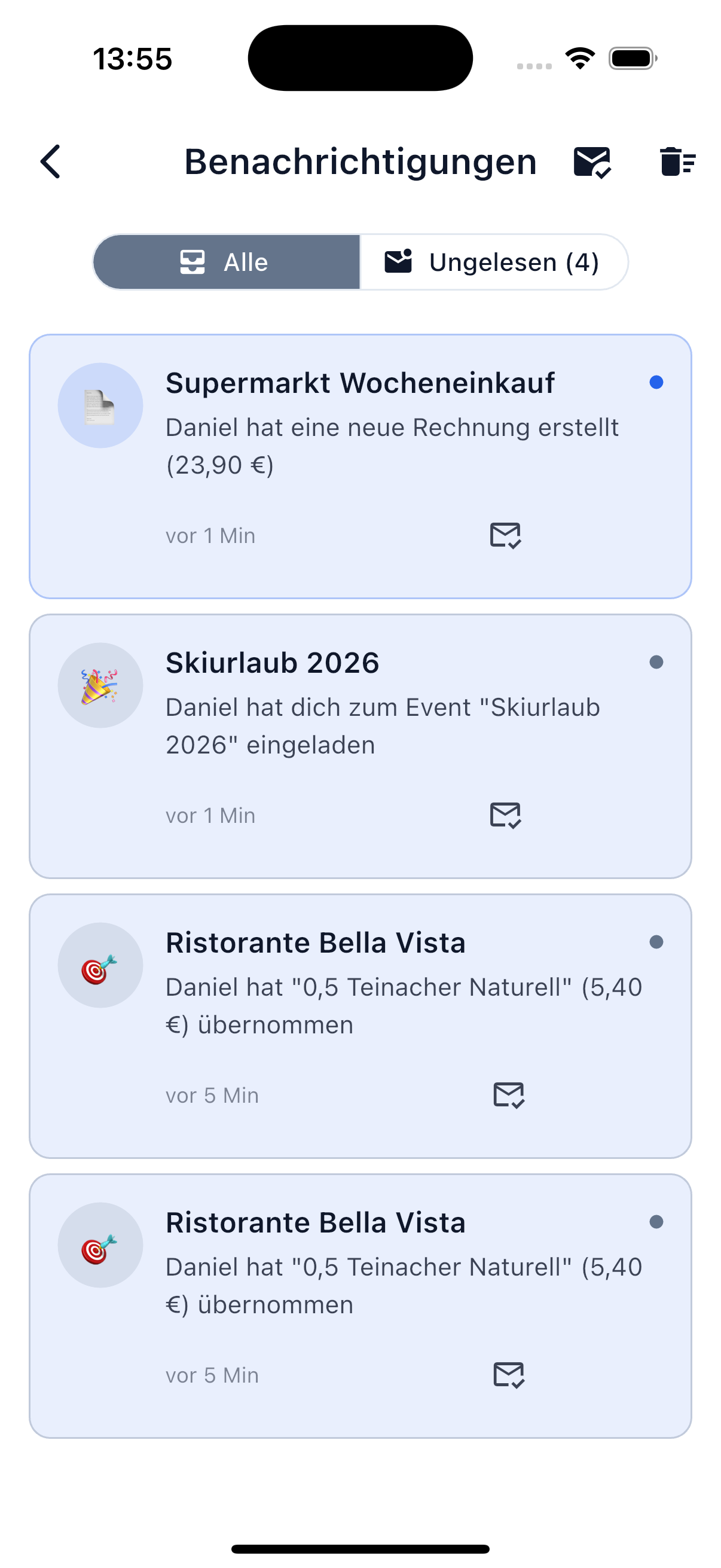
Push Notifications
SplitHappens can notify you via push notifications about the following events:
| Category | Description |
|---|---|
| New Bills | When you're added to a bill. |
| Position Assigned | When someone assigns a position in your bill. |
| Settlement | When someone has settled a debt. |
| Friend Requests | When you receive a new invitation. |
| Event Updates | When new bills are created in your events. |
| Reminders | When open amounts remain unsettled for a while. |
Adjust Settings
Control Individual Categories
Each notification category can be individually enabled or disabled:
- Go to Profile → Notifications.
- Toggle the desired categories on or off.
This way you only receive the notifications that are relevant to you.
System Permissions
For push notifications to work, they must also be allowed in your device's system settings:
- iOS: Settings → SplitHappens → Notifications → enable.
- Android: Settings → Apps → SplitHappens → Notifications → enable.
Not Receiving Notifications?
If you're not receiving notifications despite enabled settings, first check your device's system permissions. More on this under Troubleshooting.