Set Up Payment Methods
Note
SplitHappens does not process actual payments. Payment methods are there so your friends know where to transfer money to you.
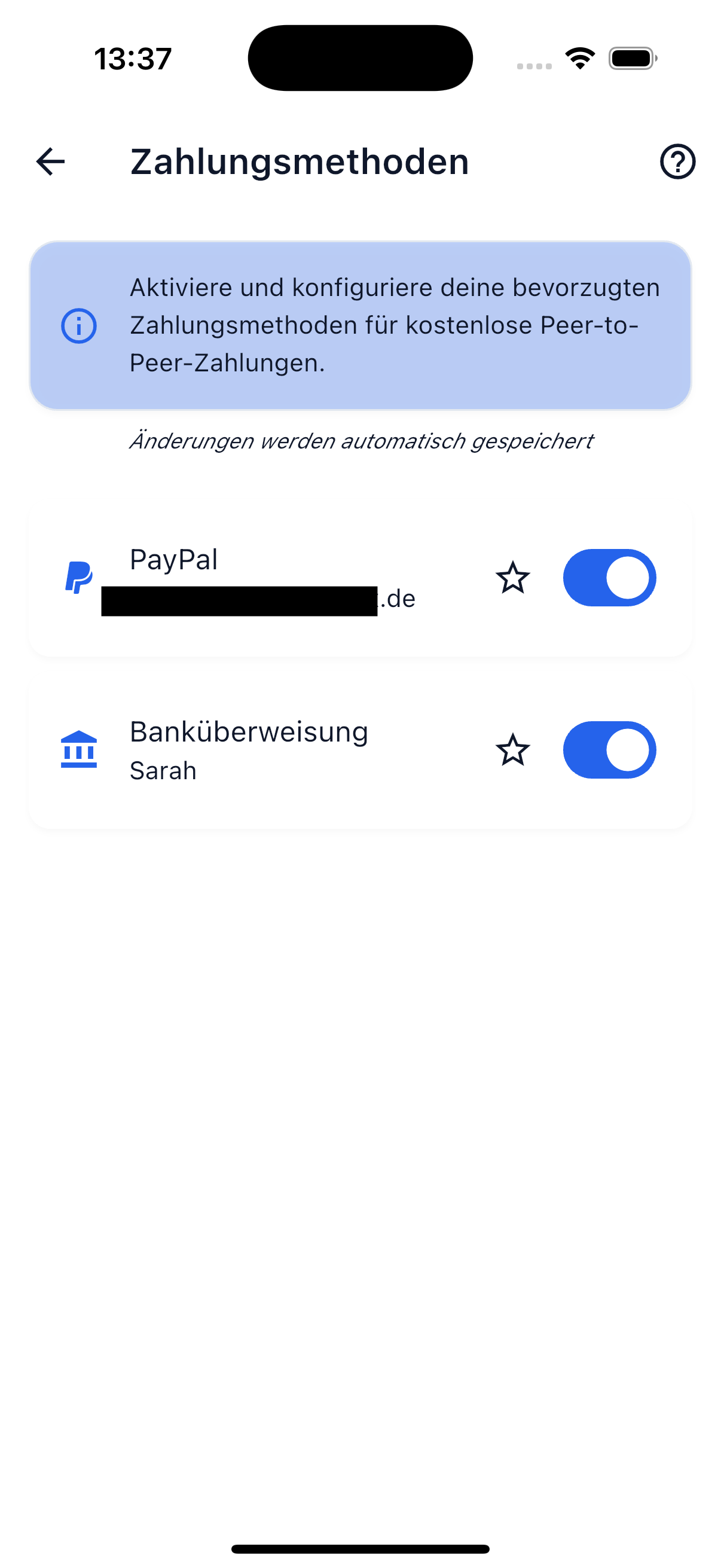
Available Methods
Bank Account
Add your IBAN so friends can send you money via bank transfer.
- IBAN: Your International Bank Account Number (e.g., DE89 3704 0044 0532 0130 00).
- Account Holder (optional): If the account holder differs from your profile name.
PayPal
Add your PayPal account for quick payments.
- PayPal Username or Email Address: The address where you receive PayPal payments.
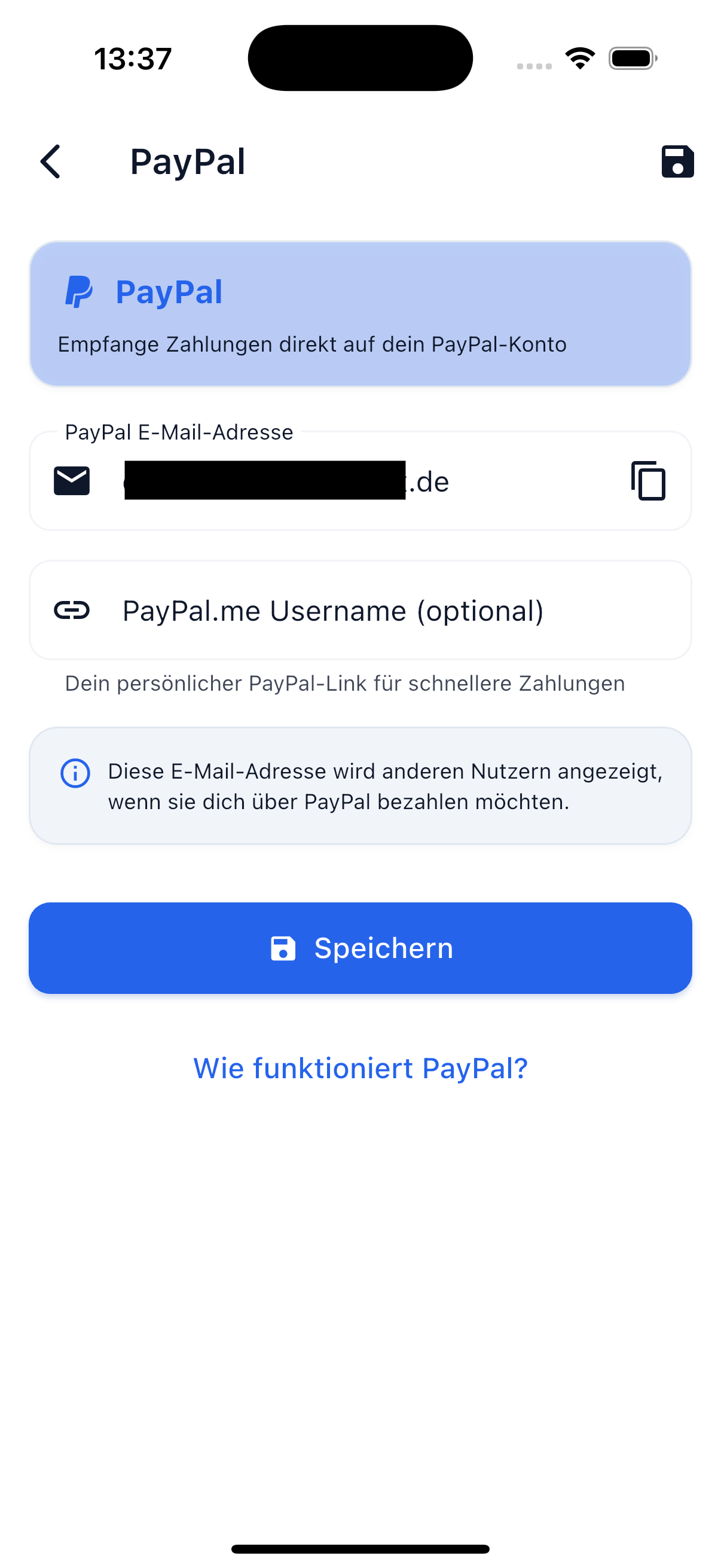
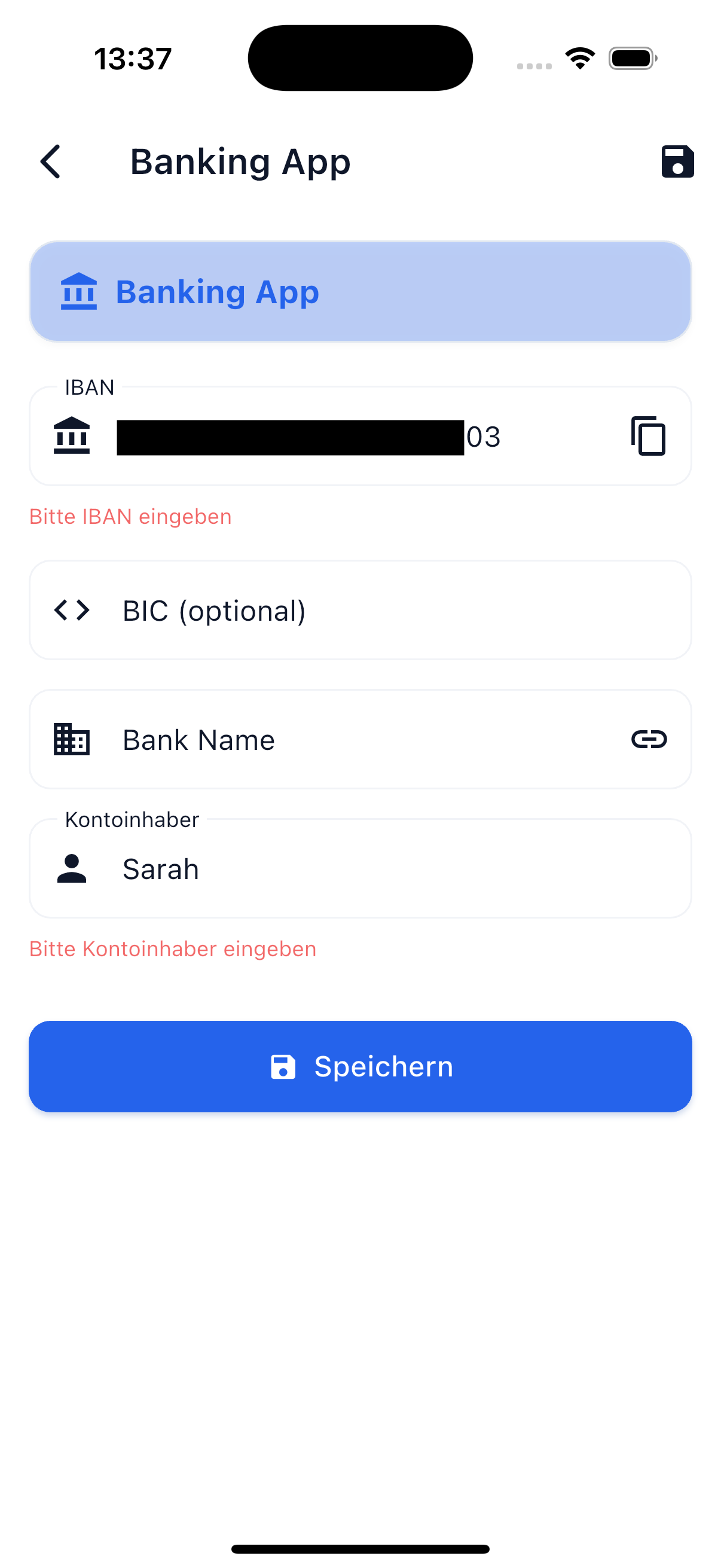
Set Up a Payment Method
To add a new payment method:
- Go to Profile → Payment Methods.
- Tap Add.
- Choose the desired method (bank account or PayPal).
- Enter the corresponding details.
- Tap Save.
You can store multiple payment methods at the same time. Your friends will then see all available options and can choose the most convenient one for them.
How It Works in Practice
When a friend owes you money, the process works as follows:
- Your friend opens the Settlement and sees the open amount.
- They see your stored payment methods — e.g., your IBAN or PayPal address.
- They transfer the amount outside the app (via bank transfer, PayPal, etc.).
- Then they mark the payment as "paid" in SplitHappens.
- Alternatively, you can use the "Settle" button in the settlement to mark the amount as settled directly.
Tip
The more payment methods you provide, the easier it is for your friends to pay you.
Edit or Delete Payment Methods
- Tap an existing payment method to edit it.
- Swipe left or tap the delete icon to remove a method.